
Click here to order your Mount & Blade II: Bannerlord server with Citadel Servers today!
This guide will show you how to Update Your Bannerlord Co-op Server
Keeping your Bannerlord Co-op server up to date ensures that you and your players are running the latest version of the mod with the newest fixes, improvements, and compatibility updates. This guide will walk you through the steps required to update your server safely and ensure everything is ready for your next session. Before starting the update, make sure the server is stopped and that you have access to the latest Co-op Mod files. Following the steps below will help minimize issues and ensure your server is running the correct version after the update.
Updating your Bannerlord Co-op Mod
1. Log in to your Game Control Panel and navigate to your service.
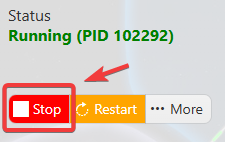
2. Before making any changes or proceeding with the update, ensure that your server is completely stopped. This helps prevent conflicts or issues during the update process.
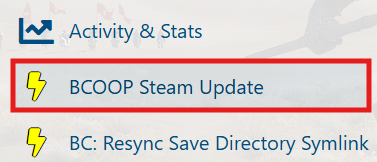
3. Navigate to the BCOOP Steam Update Tab.
4. Click the Execute button to begin the update process. Allow the process to complete fully before proceeding to the next step.
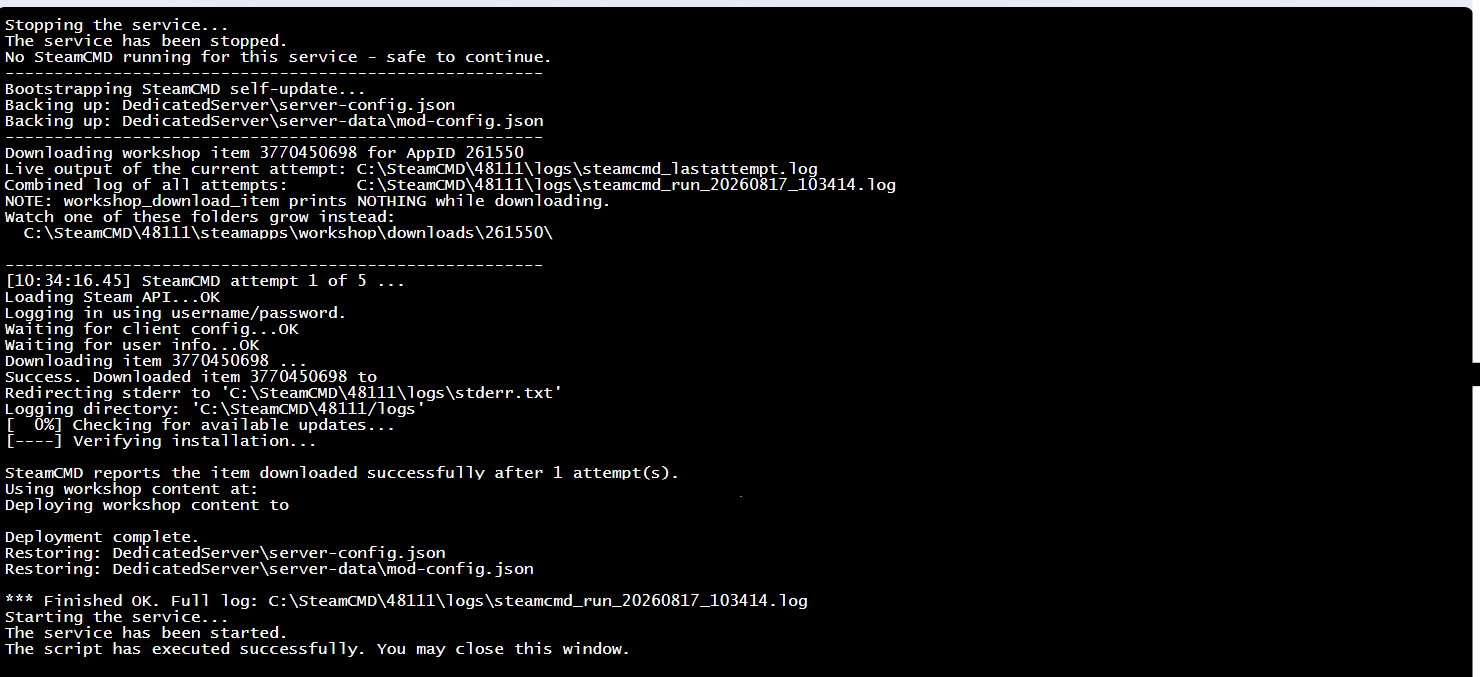
Once the update has been completed successfully, start your server and enjoy the latest version of the Co-op Mod.
Did the above information not work for you? Please click here to contact our support via a ticket.