
This guide will show you how to install API Plugins to your ARK Ascended server.
1. Log in to your Game Control Panel.
2. Install the ARK Plugin API from the Mod Manager.
Follow our guide for that here
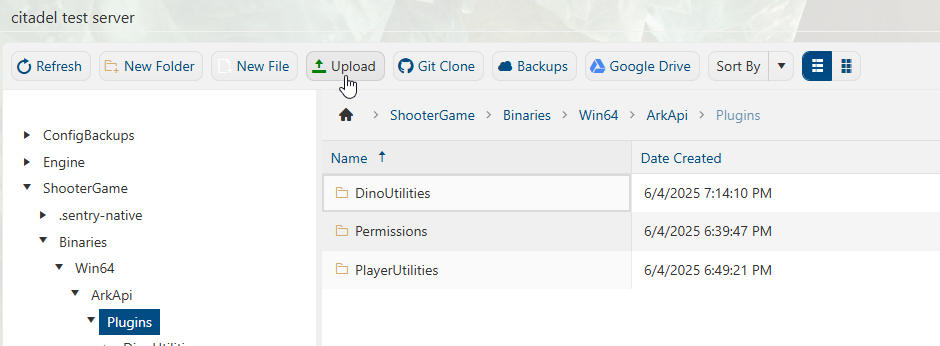
3. Open the File Manager and navigate to the API folder in
"<Home>/ShooterGame/Binaries/Win64/ArkApi/Plugins".
Upload the folder of the plugin you want installed to this directory.
If it's a zip file, upload the zip to the directory and right-click the zip file to show the extract option.
4. Once you have finished installing the files, start the server.
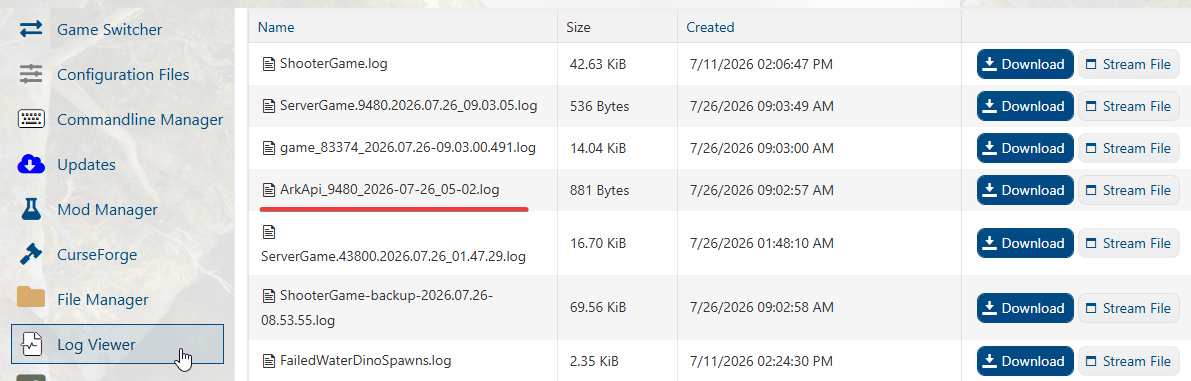
To see if the Plugin is loaded, select the Log Viewer.
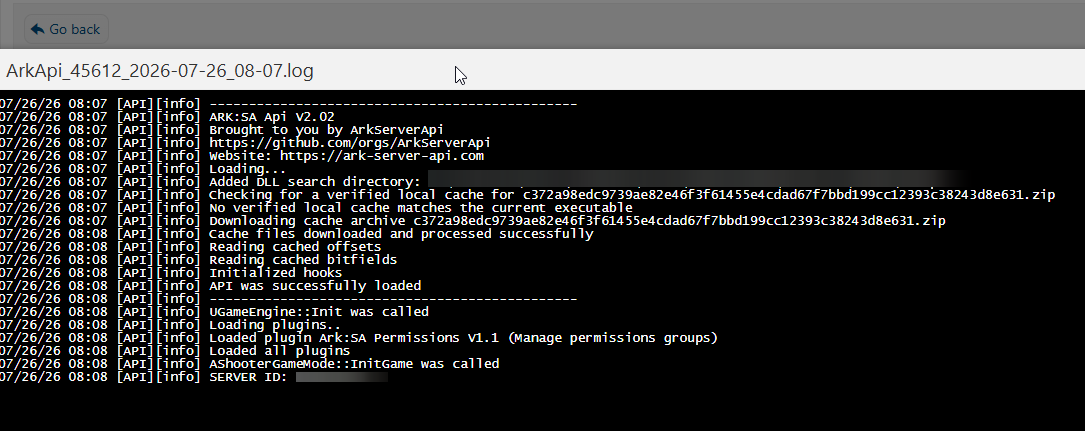
Select the latest ARK API log and click "Stream File"
You can then check in the log to see if the server is loading the Plugin.