

This guide will show you how to set up RCON on your DayZ server.
Click here to order your DayZ Standalone server with Citadel Servers today!
1. Log in to your Game Control Panel.
2. Open the File Manager and navigate to the Battleye folder.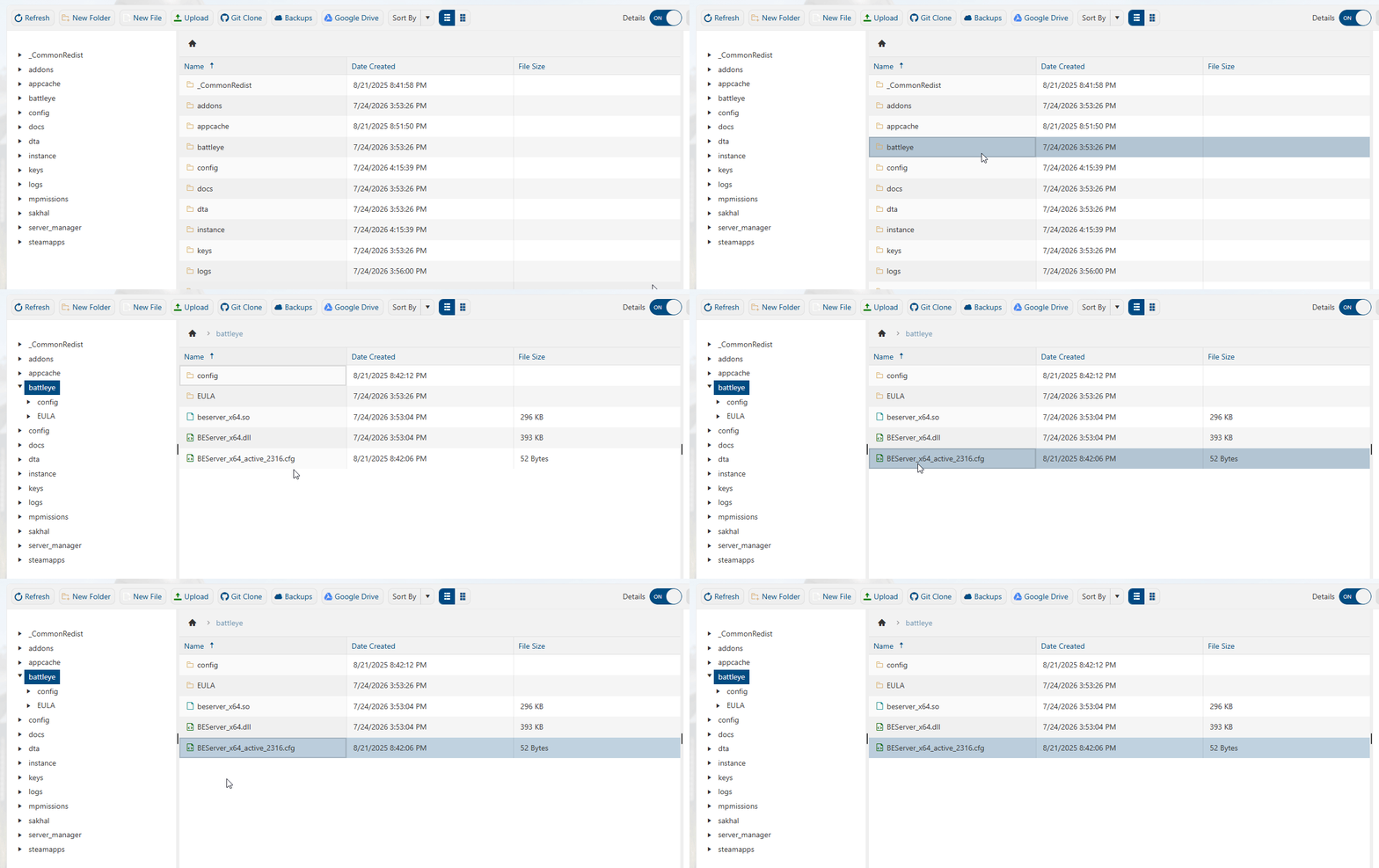
3. Find the BEServer_x64 cfg file that has "active" in its name.
Right-click it and select Edit.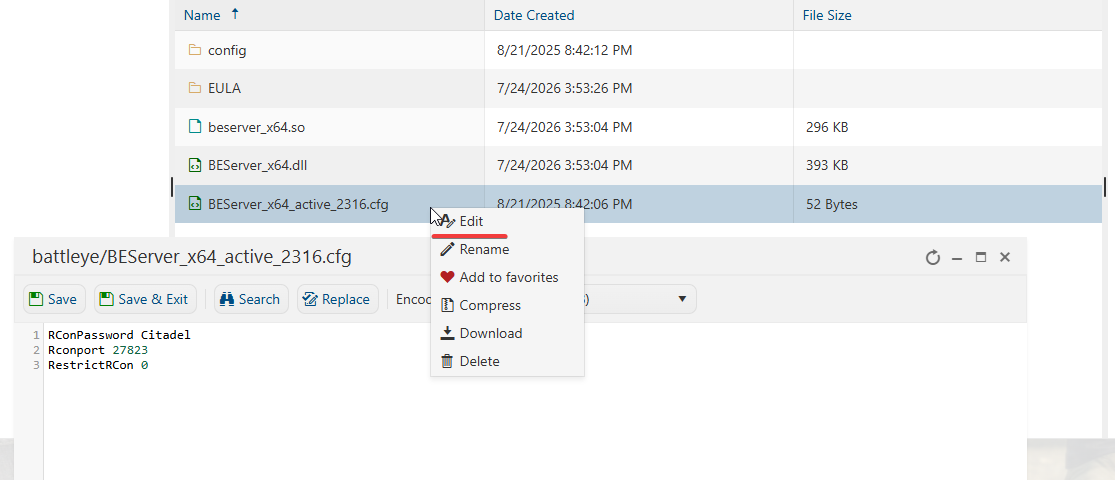
4. Once the file is open, edit the contents to the following:
RConPassword <Your Preferred Password>
Rconport <Server RCON PORT>
RestrictRCon 0
To find your RCON Port, go to the server control panel's home page and find the RCON info in the middle.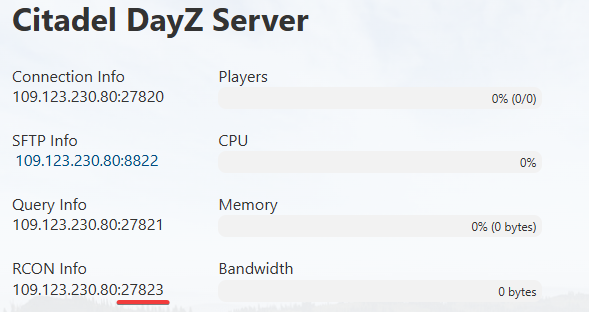
5. Once you are finished editing the file, click Save and then start the server.
You should now be able to connect to the server's RCON with most RCON tools like BattleWarden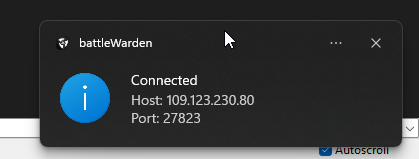
Did the above information not work for you?
Please click here to contact our support via a ticket.