
Looking to rent a Space Station 14 server? Click here to order your server
This guide will show you how to connect to your Space Station 14 server
1. Log in to your Game Control Panel.
2. Click the Configuration Files option in your Game Panel.
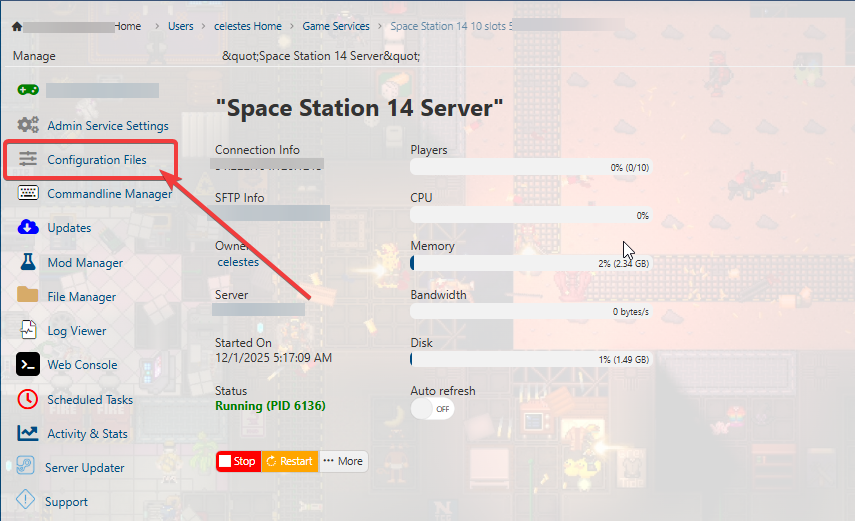
3. Click the Config Editor 
4. Set your Server Name and other options.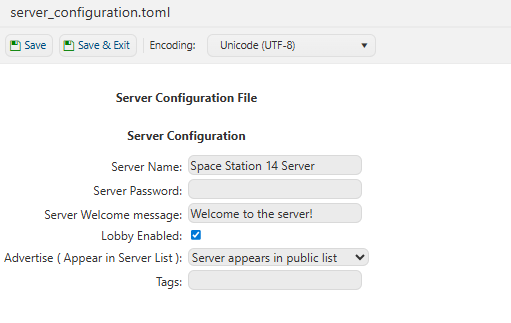
5. Once all are set, start your server.
Did the above information not work for you? Please click here to contact our support via a ticket.